Hovi
Overview
Hovi's test bed for EUDI Wallet integration. Issue credentials, verify them, and walk through real business flows that show what EUDI-native applications may actually look like.
1. Issuer/Verifier Playground — Generate test credentials (EU PID) and send them to your EUDI Wallet or Verify specific credentials formats from an EUDI wallet.
2. Industry Demos — end-to-end business flows where verification happens as a natural step, not a bolted-on process.
Supported Standards
| Credential formats | ISO/IEC 18013-7 mDoc, SD-JWT (Draft 24 & DCQL v1.0) |
| Credential types | EU PID, mDL, Age Verification, Photo ID |
| Remote protocol | OpenID4VP (OID4VC) Draft 24 & v1.0 |
| Proximity protocol | ISO 18013-5 over BLE |
| Presentation modes | Cross-device QR · Same-device deep link · BLE proximity |
Getting started
To try demos: Go straight to Industry Demos Link. Pick a demo of your choice and follow the use-case.
For BLE proximity verification: Use Chrome/Edge/Opera browser, and try the vPost Demo to start a BLE engagement and show the device engagement QR from EUDI wallet. Scan it in the verifier app, accept the Bluetooth prompt, done.
To test the verifier: Open Hovi Playground, switch to Verifier, pick a credential you want to verify, then scan the QR with your EUDI Wallet. You can also use the playground directly on your smartphone browser.
To issue a test credential: Open Hovi Playground, switch to Issuer, choose a format credential (mDoc or SD-JWT), then scan the QR with your EUDI Wallet. You can also use the playground directly on your smartphone browser.
Demos
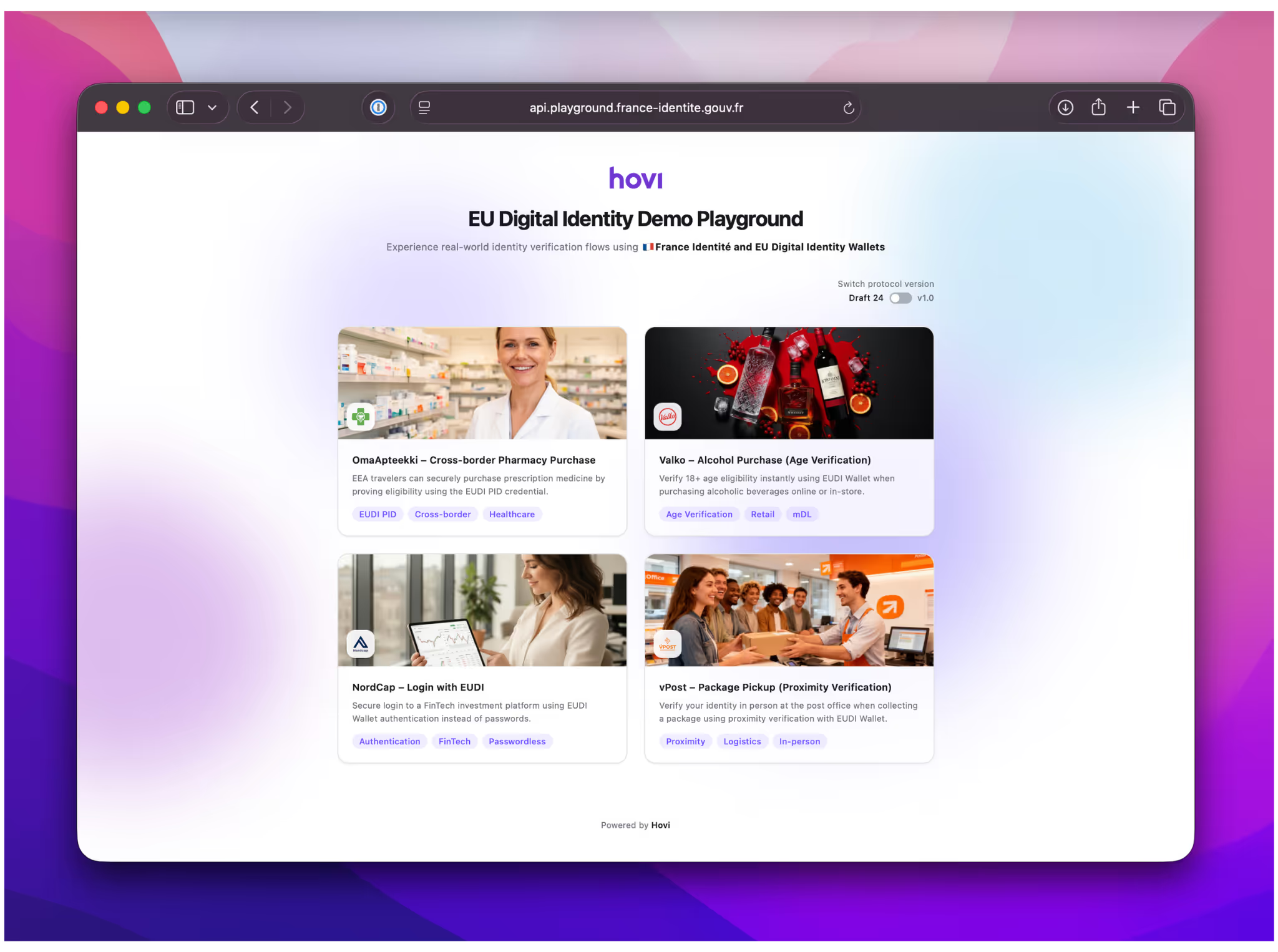
Four scenarios. Each one is a complete, multi-step application with verification embedded in the flow.
1. OmaApteekki — Cross-border pharmacy purchase, verified with a single credential scan.
2. Valko — Buy age-restricted goods by proving age_over_18 — nothing else disclosed.
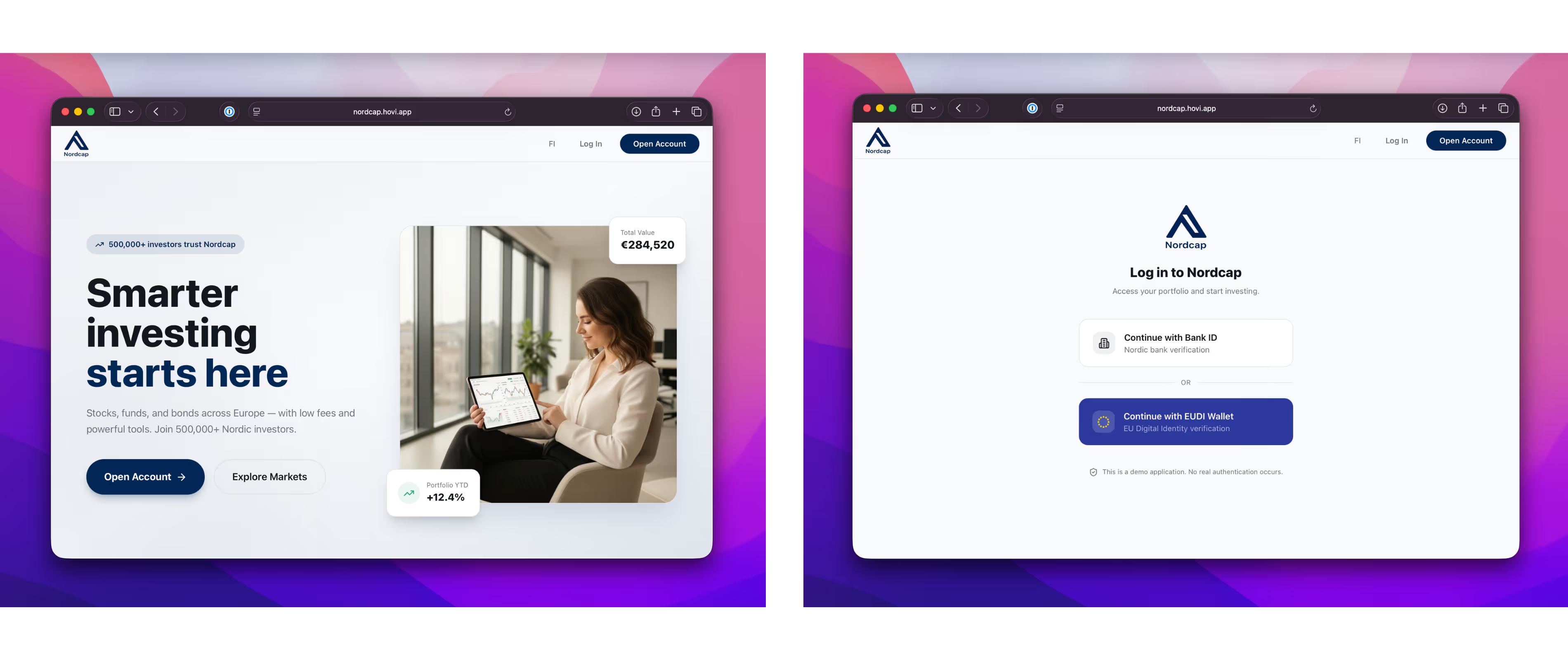
3. NordCap — Passwordless authentication for financial services, powered by EUDI.
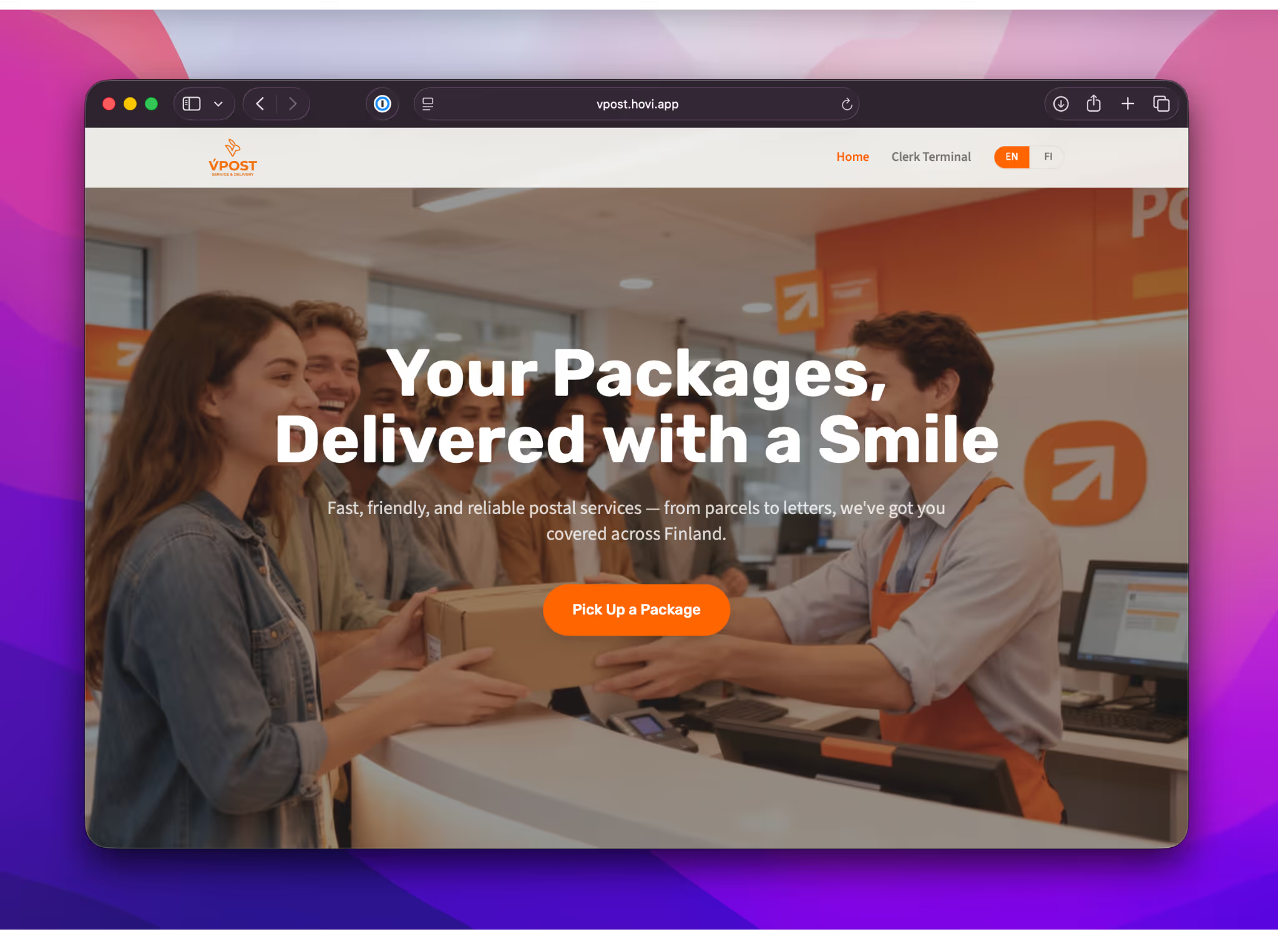
4. vPost — Pick up your parcel at the counter with identity check via BLE using EUDI.
OmaApteekki (My Pharmacy)
Cross-border pharmacy purchase
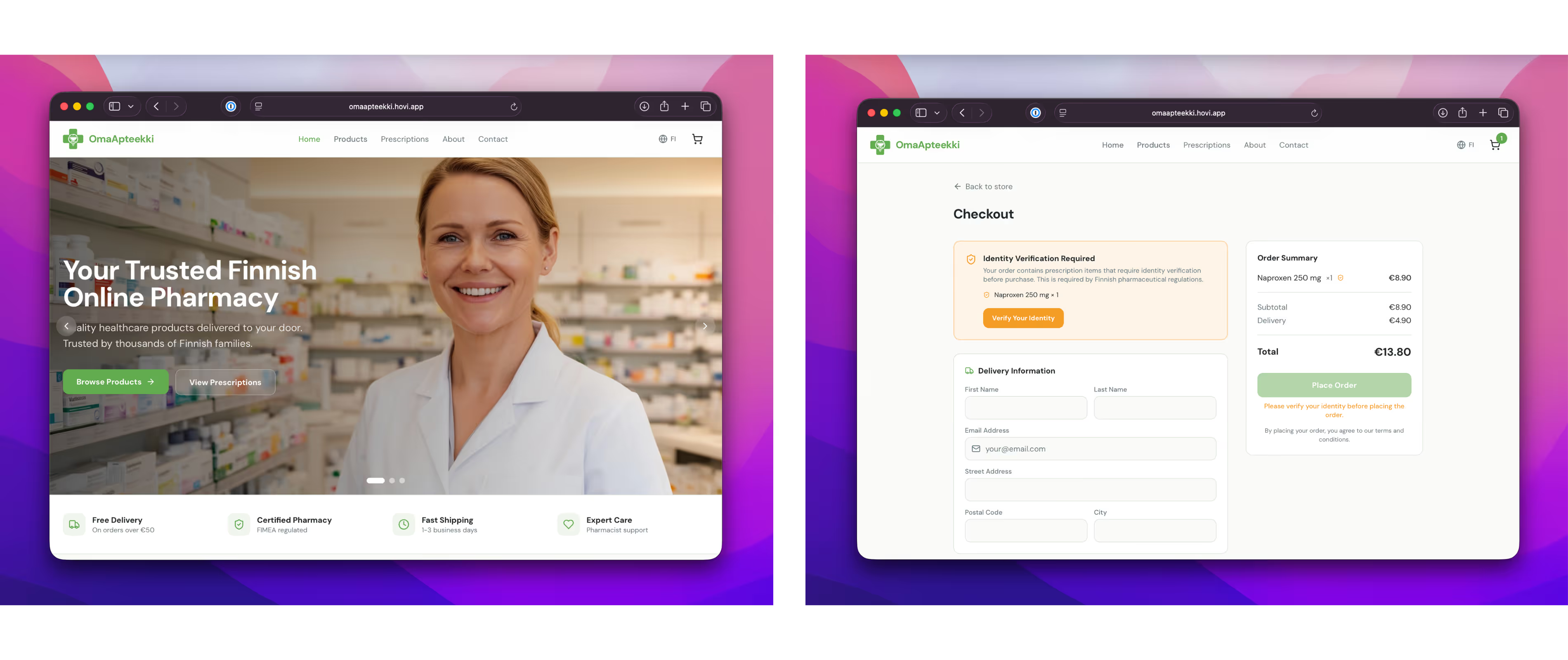
An EEA traveller needs to fill a prescription abroad. Instead of navigating paperwork or calling their home insurer, they prove cross-border eligibility in one wallet presentation.
Browse → Select prescription drugs → Present EU PID → ID verified & Details auto-filled → Purchase confirmed
What gets verified: EEA residency from the EU PID credential.
Valko
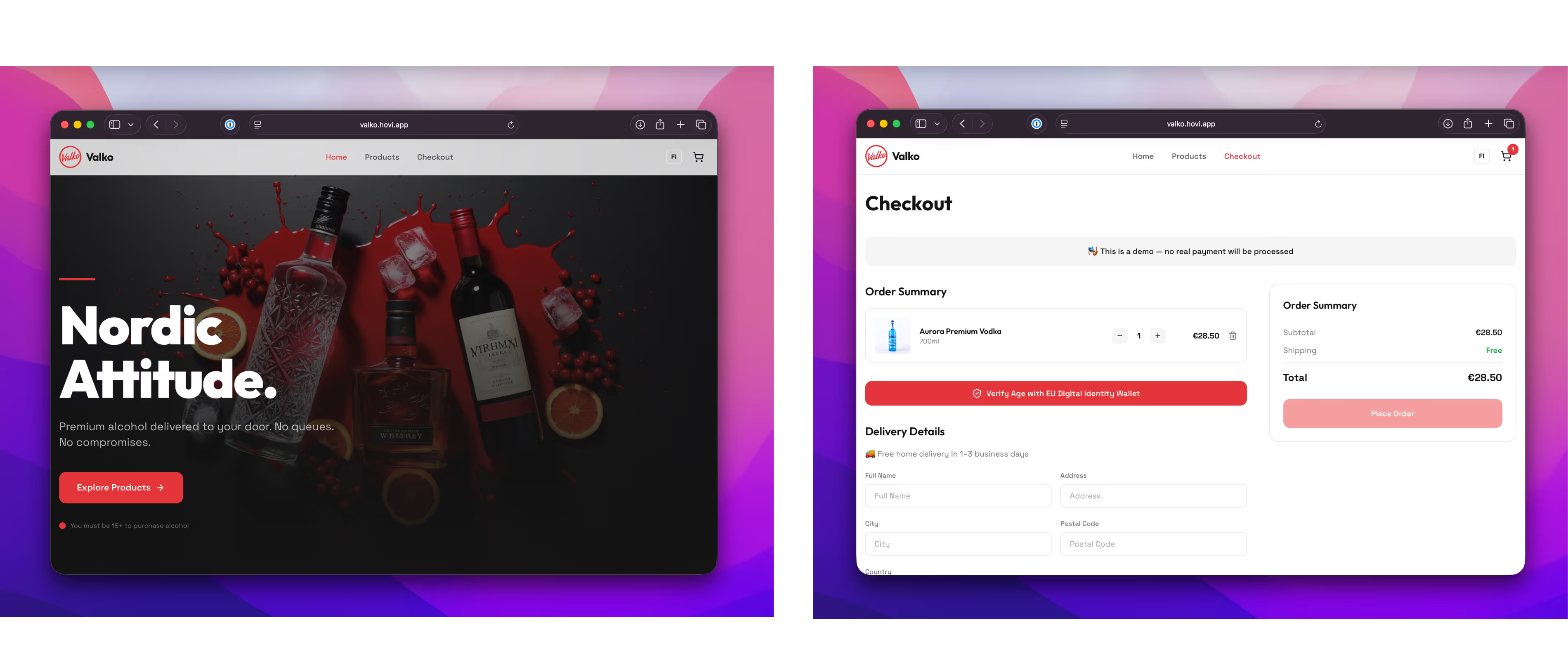
Age-verification alcohol purchase
Online or in-store purchase of age-restricted goods. The wallet discloses a boolean — age_over_18 — and nothing else and name, no date of birth, no address, or any other info.
The minimal-disclosure case: one key attribute, one key answer.
NordCap
Passwordless login for a FinTech platform
A financial investment platform replaces the username/password flow with EUDI Wallet authentication. Users scan a QR, approve in their wallet, and land authenticated — no credentials to manage, no reset flows to build.
vPost
Parcel pickup with proximity verification
Identity verification at the post office counter — face-to-face, over Bluetooth, no QR code scanning on a shared screen. The wallet engages directly with the terminal via BLE.
Counter terminal starts session → Wallet shows QR → BLE pairing → Identity verified → Parcel released
This is the proximity case: ISO 18013-5 BLE transport, ECDH P-256 session encryption, running entirely in the browser via Web Bluetooth (Chrome/Edge/Opera).
Certificate
In case a certificate is needed to be trusted by the wallet before it can receive presentations from Hovi Playground.
Certificate PEM
-----BEGIN CERTIFICATE-----
MIIBgDCCASagAwIBAgIRAJLm55s1T6w8e4jn0gcsCycwCgYIKoZIzj0EAwIwLzEL
MAkGA1UEBhMCRkkxDTALBgNVBAoTBEhvdmkxETAPBgNVBAcTCEhlbHNpbmtpMCAX
DTAwMDEwMTAwMDAwMFoYDzIwNTAwMTAxMDAwMDAwWjAvMQswCQYDVQQGEwJGSTEN
MAsGA1UEChMESG92aTERMA8GA1UEBxMISGVsc2lua2kwWTATBgcqhkjOPQIBBggq
hkjOPQMBBwNCAAQ9fVS8U+tJbQzx4mmH7rDO/oY0nRRKTgu2N/oQVKh43YHeMSqi
W8GivzrTBkvrZWCcOF0trfqF4M5PsdLZnOIJoyEwHzAdBgNVHREEFjAUghJjb3Jl
LWFnZW50LmhvdmkuaWQwCgYIKoZIzj0EAwIDSAAwRQIgdpCPjAO6L9SZgQKvPfII
6SOzvdtOo8PxivlpGLC3X3gCIQCy6mgJDFUBgWi2tQT0yazdc1V5MqNsOKbVrC0D
BQ9dQw==
-----END CERTIFICATE-----
Contact & support
For bug reports and questions: include the flow you were testing, your wallet version, device, browser, and any console output.